VPS Server – High-Performance VPS Hosting
Discover VPS server solutions for your projects, powered by Intel Xeon processors, flexible resource options and a high-performance server infrastructure. Take advantage of affordable VPS hosting plans backed by Verunix.
 Turkey VPS 8 PLANS
- Processor1 – 8 vCPU
- Memory1 – 16 GB RAM
- Disk20 – 100 GB
- Internet Port1 GBit
- InfrastructureIntel Xeon Pool
VPS Server Plans and Prices
Our Turkey-based VPS plans start from 89,90 ₺ per month. Every plan runs on an Intel Xeon processor pool and includes unlimited traffic; only the vCPU, RAM and disk capacity differ between plans. When you choose a billing term, prices are updated to show the total amount for that term.
 Ryzen VDS
- Intel(R) Xeon(R) Platinum 8270
- Intel(R) Xeon(R) Platinum 8169CY
- Intel(R) Xeon(R) Platinum 8160
- Intel(R) Xeon(R) E5-2699V4
- Intel(R) Xeon(R) E5-2699V3
- Intel(R) Xeon(R) E5-2680V4
- DDR4 RAM
- DDR3 RAM
- Intel(R) Xeon(R) Platinum 8270
- Intel(R) Xeon(R) Platinum 8169CY
- Intel(R) Xeon(R) Platinum 8160
- Intel(R) Xeon(R) E5-2699V4
- Intel(R) Xeon(R) E5-2699V3
- Intel(R) Xeon(R) E5-2680V4
- DDR4 RAM
- DDR3 RAM
- Intel(R) Xeon(R) Platinum 8270
- Intel(R) Xeon(R) Platinum 8169CY
- Intel(R) Xeon(R) Platinum 8160
- Intel(R) Xeon(R) E5-2699V4
- Intel(R) Xeon(R) E5-2699V3
- Intel(R) Xeon(R) E5-2680V4
- DDR4 RAM
- DDR3 RAM
- Intel(R) Xeon(R) Platinum 8270
- Intel(R) Xeon(R) Platinum 8169CY
- Intel(R) Xeon(R) Platinum 8160
- Intel(R) Xeon(R) E5-2699V4
- Intel(R) Xeon(R) E5-2699V3
- Intel(R) Xeon(R) E5-2680V4
- DDR4 RAM
- DDR3 RAM
- Intel(R) Xeon(R) Platinum 8270
- Intel(R) Xeon(R) Platinum 8169CY
- Intel(R) Xeon(R) Platinum 8160
- Intel(R) Xeon(R) E5-2699V4
- Intel(R) Xeon(R) E5-2699V3
- Intel(R) Xeon(R) E5-2680V4
- DDR4 RAM
- DDR3 RAM
- Intel(R) Xeon(R) Platinum 8270
- Intel(R) Xeon(R) Platinum 8169CY
- Intel(R) Xeon(R) Platinum 8160
- Intel(R) Xeon(R) E5-2699V4
- Intel(R) Xeon(R) E5-2699V3
- Intel(R) Xeon(R) E5-2680V4
- DDR4 RAM
- DDR3 RAM
- Intel(R) Xeon(R) Platinum 8270
- Intel(R) Xeon(R) Platinum 8169CY
- Intel(R) Xeon(R) Platinum 8160
- Intel(R) Xeon(R) E5-2699V4
- Intel(R) Xeon(R) E5-2699V3
- Intel(R) Xeon(R) E5-2680V4
- DDR4 RAM
- DDR3 RAM
- Intel(R) Xeon(R) Platinum 8270
- Intel(R) Xeon(R) Platinum 8169CY
- Intel(R) Xeon(R) Platinum 8160
- Intel(R) Xeon(R) E5-2699V4
- Intel(R) Xeon(R) E5-2699V3
- Intel(R) Xeon(R) E5-2680V4
- DDR4 RAM
- DDR3 RAM
The amounts shown are the total price for the selected billing term. The TR VPS - 1 plan is offered with Linux only; on all other plans you can choose Linux or Windows.
Why Choose a Verunix VPS Server?
Flexible, affordable Turkey-based VPS server options for projects of every size.
Intel Xeon Processor Infrastructure
Our VPS servers run on an Intel Xeon processor pool. Built from enterprise-grade server processors, this pool provides virtualized processing resources for a wide range of projects such as websites, applications and development environments.
Flexible VPS Plans
Choose from eight plans ranging from 1 GB to 16 GB RAM, 1 to 8 vCPU and 20 GB to 100 GB of disk space. Start with a small project and consider plans with more resources as your needs grow.
Turkey-Based VPS
All of our VPS plans are located in Turkey. For websites, applications and services whose visitors or users are mainly in Turkey, a server close to the user means lower network latency.
Unlimited Traffic
Traffic is unlimited on every VPS plan. As your visitor numbers grow or your file transfers increase, you can run your project for different usage needs without worrying about a monthly traffic quota.
Windows and Linux VPS Options
You can use a Linux or Windows VPS with the operating systems supported on our infrastructure. The entry-level TR VPS - 1 plan comes with Linux; on the other plans you can choose Linux or Windows depending on your needs.
Server Resources That Fit Your Needs
We offer a range of CPU, RAM and disk capacity options for websites, applications, development environments and other server projects. Pay only for the resources you need and make the most of your budget.
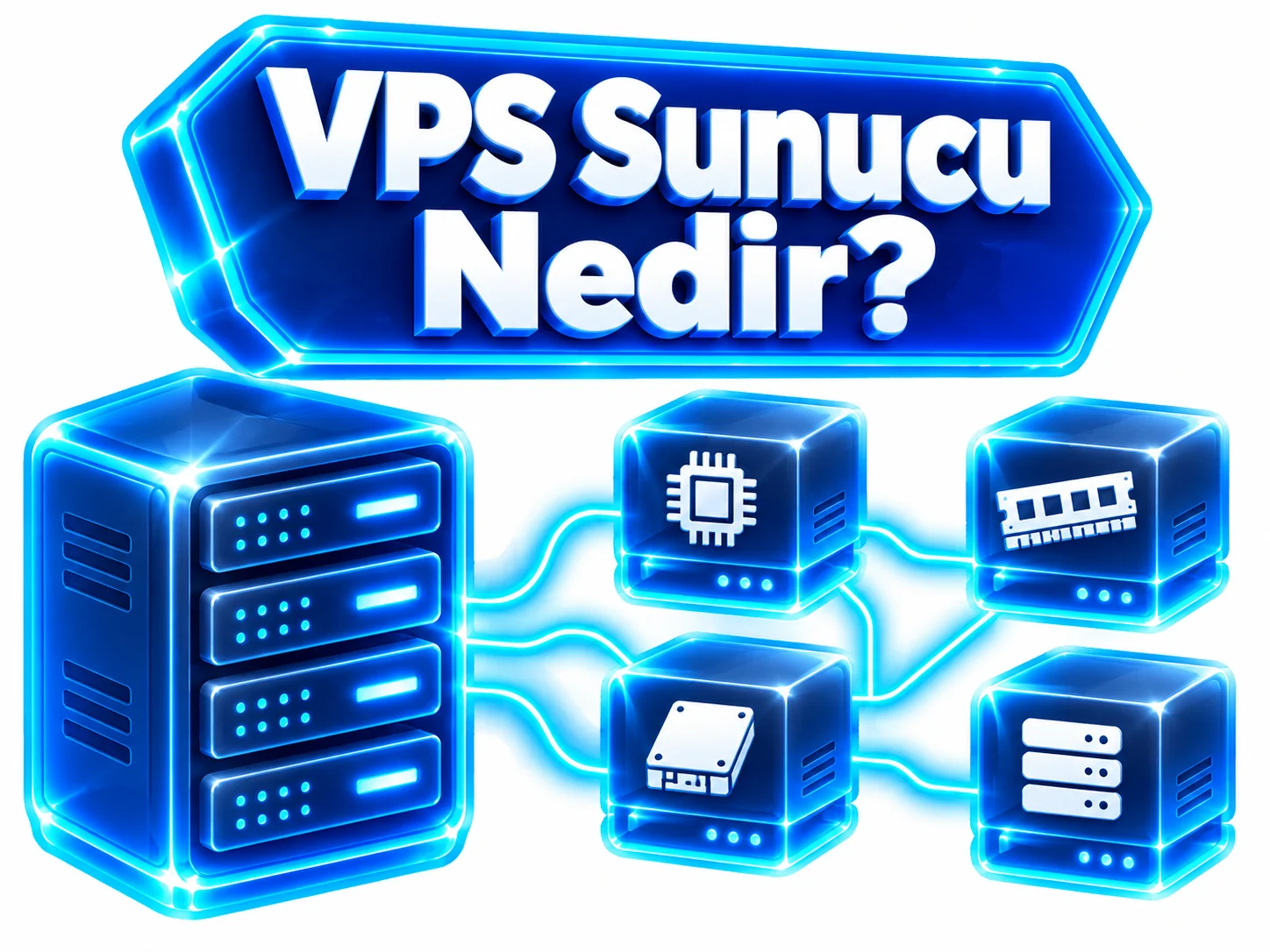
What Is a VPS Server?
A VPS (Virtual Private Server), also known as a virtual private server, is a type of server created by dividing a powerful physical server into multiple isolated virtual servers using virtualization technology. The virtualization layer (hypervisor) distributes the physical server's processor, memory and disk resources among the virtual servers and runs each one as if it were a separate computer.
Each VPS has its own operating system, its own file system and its own network configuration. As a result, other users sharing the same physical server cannot see your files, and the software you install does not affect their environment. On a Linux or Windows virtual server you can do most of what you could do on a physical server.
What sets a VPS apart from shared hosting is control. You get root access on Linux or Administrator access on Windows, so you can install any software, configure services, set firewall rules and restart the server. This gives you a server environment of your own without the cost of renting an entire physical server.
How Do You Use a VPS Server?
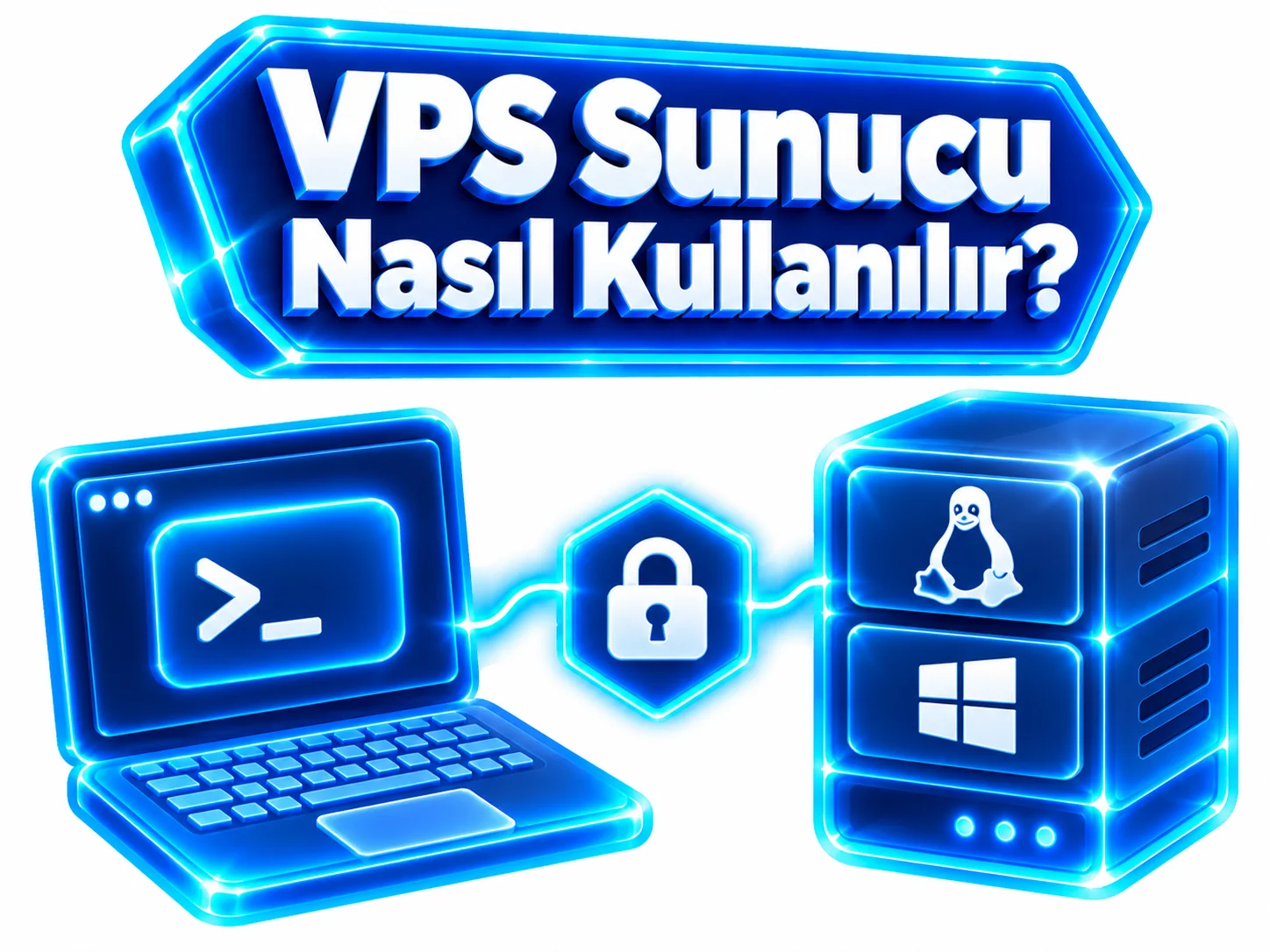
A VPS server is physically located in a data center and is managed entirely over the internet through remote access. Once your order is complete, you receive your server's IP address, username and password. After connecting with these details, you can use the server just like your own computer: install software, upload files and manage services.
The connection method depends on the operating system: Linux VPS servers are usually managed from the command line over SSH, while Windows VPS servers are managed through Remote Desktop (RDP), which provides a graphical interface. If you prefer not to use the command line, you can install a control panel and manage websites, databases and email accounts from your browser.
How Do You Connect to a VPS Server?
First, have the IP address, username and password you received at hand. For Linux servers, you can use the ssh root@server-ip command with an SSH client such as Windows Terminal, the macOS/Linux terminal or PuTTY. For Windows servers, enter the IP address in the Remote Desktop Connection app and sign in with your credentials. For details, see our What is SSH? guide.
How Do You Use a Windows VPS Server?
When you connect to a Windows VPS over RDP, you are greeted by a familiar Windows desktop. You can install programs with their setup files, publish websites with IIS or run .NET applications. As a first step, we recommend changing the administrator password, installing Windows updates and leaving only the ports you use open in the firewall. For connection steps, see our remote desktop guide.
How Do You Manage a Linux VPS Server?
A Linux VPS is mostly managed from the command line. With the package manager (apt, dnf, etc.) you can update the system and install software such as Nginx, MySQL or Node.js. For security, using SSH keys instead of passwords, closing unnecessary ports and taking regular backups is a good start. If you prefer a graphical interface, you can install a control panel such as aaPanel or CyberPanel.
What Is a VPS Server Used For?
A VPS server can be used for any software that needs to stay connected to the internet and run without interruption. It is a balanced solution for projects that have outgrown shared hosting but do not need an entire physical server. Since you have your own operating system and administrator access, the choice of software is entirely up to you.
You can also run several workloads on the same server: for example, a website, an API connected to it and a small database can all be hosted on a single VPS. As your resource needs grow, moving to plans with more vCPU and RAM is a practical way to scale your project.

Hosting Websites on a VPS
Corporate sites, blogs, online stores and multiple websites can all be hosted on a VPS. You decide the web server, PHP version, caching and SSL settings for your project, and you are not affected by the load of neighboring sites as on shared hosting. If you would rather not manage a server, our web hosting plans are also available.
Setting Up a Game Server on a VPS
Small and medium-sized game servers, such as Minecraft or CS2 servers for your group of friends, can run on a VPS. The Turkey location provides lower latency for players in Turkey. For busy multiplayer servers, single-core performance is decisive, so Ryzen VDS or ready-made game server plans may be a better fit.
Software and Application Development on a VPS
Developers use a VPS for test and staging environments, Git repositories, CI/CD runners or Docker containers. Without tying up your local computer, you can try your application in a real server environment, share it with your team and catch issues before going live.
Running Databases and API Services on a VPS
You can host databases such as MySQL, PostgreSQL, MongoDB or Redis, as well as REST/GraphQL APIs serving your mobile apps, on a VPS. The amount of RAM matters for database performance; for growing data sets we recommend choosing plans with more RAM and setting up a regular backup plan.
What Are the Differences Between a VPS and a VDS?
Both are virtual servers; the key difference lies in how resources are allocated.
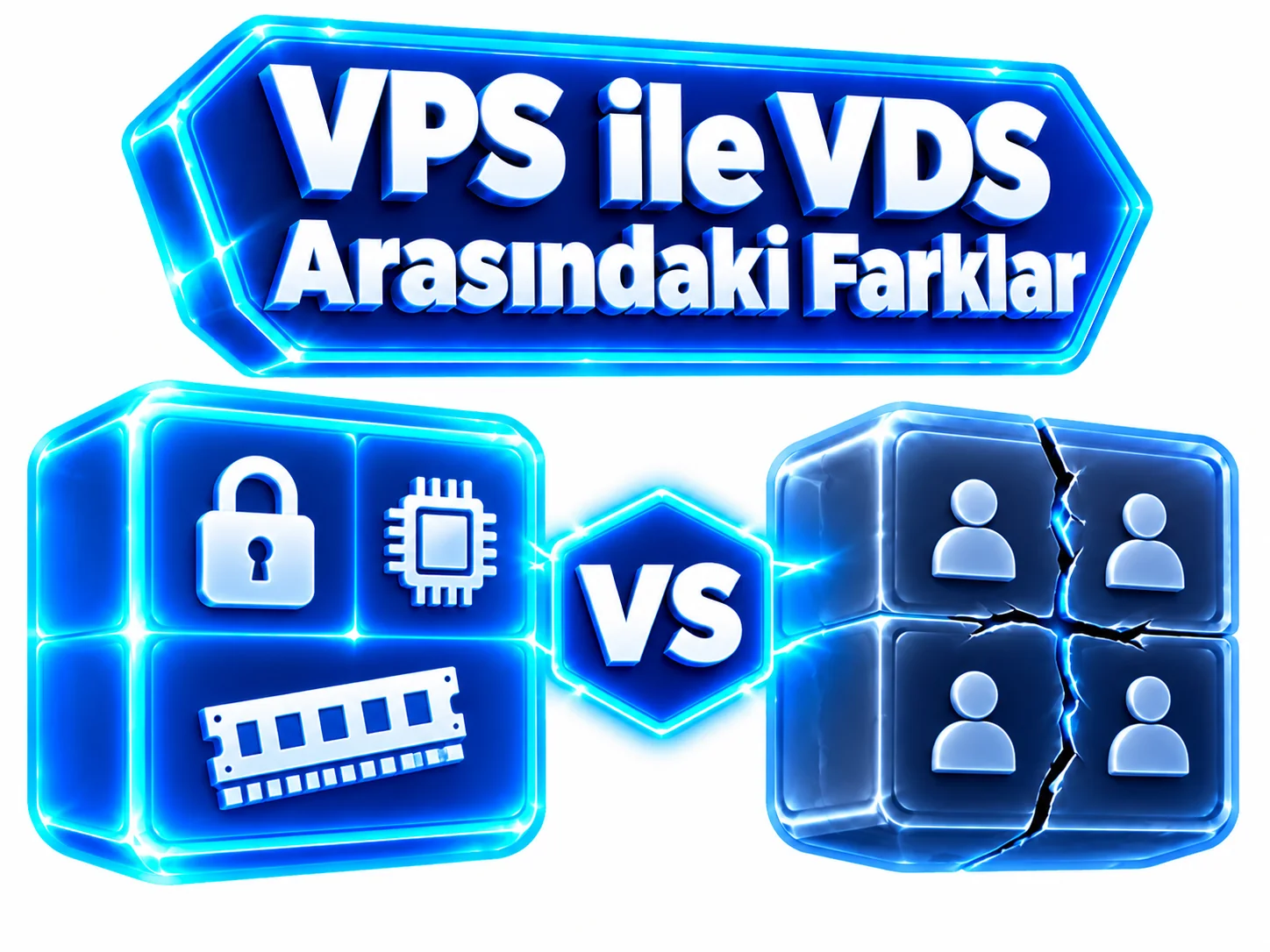
Resource sharing: On a VPS, the physical server's resources are distributed among virtual servers as a shared pool; the vCPU and RAM values in your plan set the limit your virtual server can use. On a VDS (Virtual Dedicated Server), processor cores and RAM are permanently assigned to each virtual server and cannot be used by anyone else.
Virtualization and isolation: In both models, virtual servers are isolated from each other by the hypervisor; each has its own operating system, file system and network configuration. The difference is whether resources such as CPU time and memory are shared or dedicated.
Performance: A VPS is more economical because resources are drawn from a pool, but the overall load on the same physical server can cause performance to vary during the day. With dedicated resources, a VDS offers more predictable performance at a higher cost.
Use cases: A VPS is a budget-friendly choice for websites, development and test environments, bots and moderately busy applications. For game servers with constantly high CPU usage, heavy databases and large online stores, a VDS server may be more suitable. The details of these definitions can vary with each provider's infrastructure and virtualization setup, so it is important to check a plan's resource allocation model before deciding.
| Criteria | VPS (Verunix TR VPS) | VDS (Verunix TR VDS) |
|---|---|---|
| Resource allocation | Shared resource pool, within plan limits | Dedicated, fixed resources |
| Virtualization / isolation | Virtual server isolated by the hypervisor | Virtual server isolated by the hypervisor |
| Performance consistency | May vary with overall server load | More predictable and stable |
| Processor infrastructure | Intel Xeon pool (Platinum and E5 series) | Intel Xeon Platinum family |
| Monthly starting price | 89,90 ₺ | 109,90 TL |
| Best for | Websites, development/testing, bots, moderately busy applications | Game servers, heavy databases, e-commerce, constantly high load |
What to Look for When Choosing a VPS Server

The right VPS plan should meet your project's needs today while leaving room to grow. Focusing only on the lowest price can quickly lead to a lack of resources and the need to change plans, while choosing a plan that is too large means wasted budget.
Before deciding, clarify the system requirements of the software you will run, the number of visitors or users you expect and where your users are located. The four criteria below will also guide you when choosing between Verunix VPS plans.
CPU and RAM Capacity
For a simple website or bot, 1-2 vCPU and 1-2 GB RAM are often enough. For WordPress, e-commerce or several services, 2-3 vCPU and 3-4 GB RAM, and for database-heavy, busy projects 6-8 vCPU with 8-16 GB RAM give you a more comfortable start. Remember to allow more RAM for Windows than for Linux.
Disk Space and Storage Performance
Calculate the space needed for the operating system, applications, databases, log files and backups together; a full disk can cause services to stop. Disk type and read/write speed affect performance, especially for databases and heavy file operations. Verunix VPS plans offer disk options from 20 GB to 100 GB.
Server Location and Ping Time
The physical distance between the server and the user directly affects ping (latency). If your users are mainly in Turkey, a Turkey-based VPS helps pages load faster and makes games and real-time applications feel smoother. All Verunix VPS plans are located in Turkey.
Operating System Compatibility
Check which operating systems your software supports. PHP, Node.js and Python projects usually run on Linux, while .NET Framework applications and Windows-specific software run on Windows. TR VPS - 1 comes with Linux; if you need Windows, consider TR VPS - 2 or higher.
How Do You Rent a VPS Server?
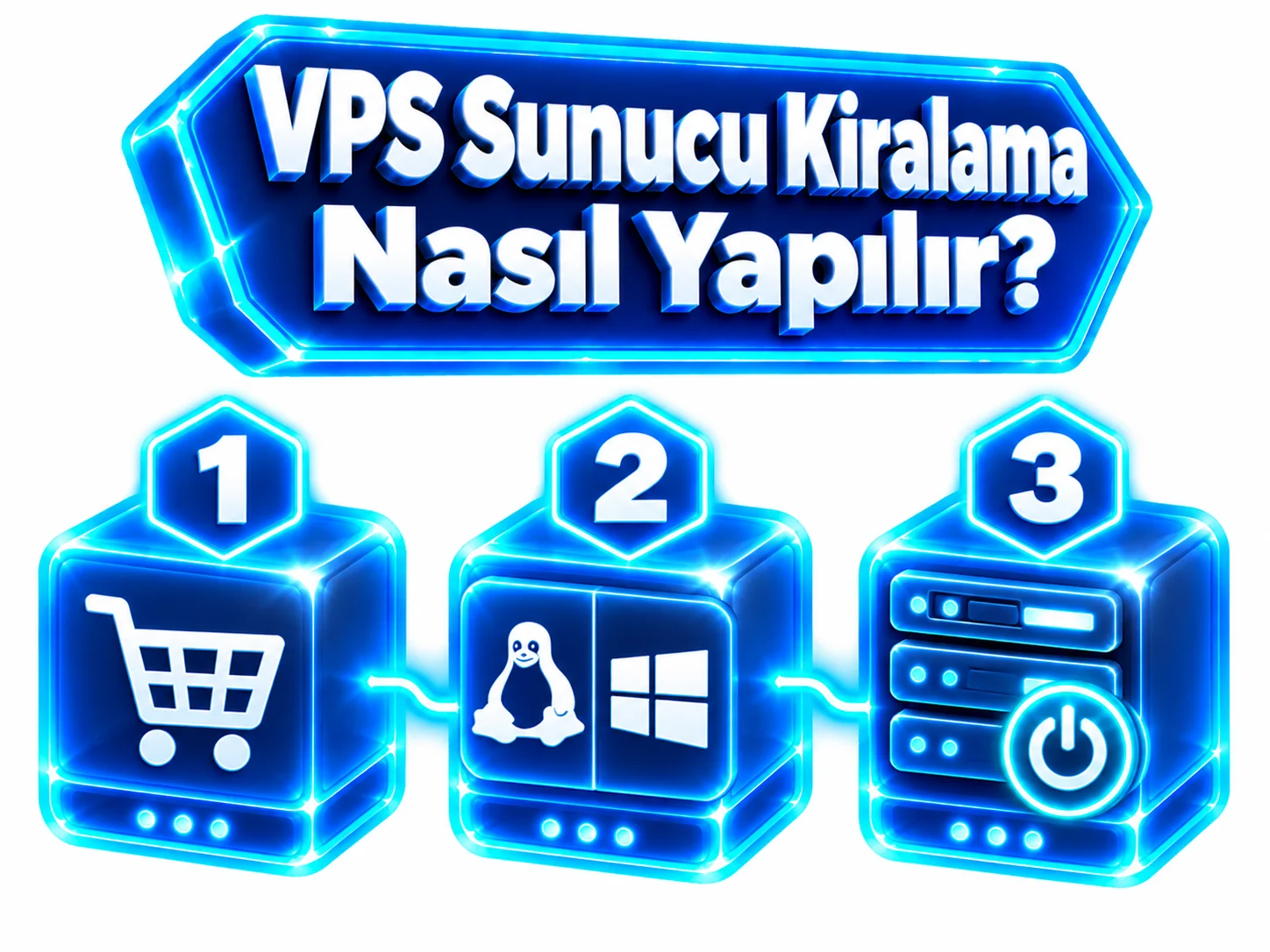
Renting a VPS server at Verunix takes just a few steps. First, choose the vCPU, RAM and disk capacity that suit your project from the plan table on this page, then select a billing term and use the Order Now button to go to the order page in our client area.
On the order screen you choose the operating system for your server. For a Linux-based project you can choose any plan, including TR VPS - 1; for workloads that require Windows, choose TR VPS - 2 or higher. Once you complete the payment step, your order is processed.
When your server is ready, you receive its IP address and login details. With these, you can connect over SSH on Linux or Remote Desktop on Windows and start managing your server. Your service term, invoices and support tickets are tracked in the client area.
Choose your plan
Choose the VPS plan that matches your CPU, RAM and disk needs from the plan table.
Choose the term and operating system
Select a monthly or yearly billing term and choose Linux or Windows.
Complete your order
Complete the payment step in the client area to place your order.
Connect and manage
Connect over SSH or RDP with the details you receive and start using your server.
How Are VPS Server Prices Determined?

The most important factor in the price of a VPS plan is the amount of resources you get. The number of vCPUs and RAM have the biggest impact on price; as processing power and memory increase, so does the plan price. Disk space and the storage technology used also affect the cost.
Location and infrastructure also affect the price: the energy, bandwidth and hardware costs of the data center hosting the server, as well as the traffic policy (metered or unlimited), vary from provider to provider. When comparing plans, look not only at the monthly fee but also at what is included in the price.
At Verunix, VPS plans are offered with monthly and yearly billing options. With yearly billing, 12 months of service cost the same as 10 months, so you get 2 months free. For example, the TR VPS - 1 plan costs 89,90 ₺ per month or 899,00 ₺ per year.
Frequently Asked Questions About VPS Servers
A VPS server is used for workloads that need to stay online, such as hosting websites and online stores, running API and database services, setting up development and test environments, bots, VPNs or small and medium-sized game servers. On Verunix VPS plans you can install and configure your own software and choose from 1 vCPU / 1 GB RAM up to 8 vCPU / 16 GB RAM depending on your project.
Verunix Turkey-based VPS plans start from 89,90 ₺ per month for TR VPS - 1, which includes 1 vCPU, 1 GB RAM and 20 GB of disk space. The most comprehensive plan, TR VPS - 8 (8 vCPU, 16 GB RAM, 100 GB disk), is 389,90 ₺ per month. Monthly and yearly billing are available; with yearly billing, 12 months cost the same as 10, so you get 2 months free.
Verunix VPS plans offer Linux and Windows operating system options. The entry-level TR VPS - 1 plan is offered with Linux only, while on the other plans you can choose Linux or Windows. You can see the currently available distributions and versions in the operating system list on the order screen. If you plan to run specific software or a control panel, choose an operating system that software supports.
Yes. You can run WordPress by installing a web server (Nginx, Apache or LiteSpeed), PHP and MySQL/MariaDB on your VPS. You can set it up from the command line or with a control panel such as aaPanel, CyberPanel or a licensed cPanel/Plesk. If you would rather not manage a server, Verunix WordPress hosting plans may be a more practical alternative.
As your project grows, you can consider moving to a higher VPS plan with more vCPU, RAM and disk capacity. With eight plans ranging from 1 GB to 16 GB RAM in the Verunix VPS family, you can scale step by step as your needs increase. Before upgrading, we recommend getting up-to-date information on the upgrade method, the price difference and your data from the client area or our support team.
With shared hosting, you share the same server's software environment with many other sites and can only change the settings the control panel allows. With a VPS server, you get your own virtual server, your own operating system and administrator access; you install any software and configure services as you wish. In return, server management tasks such as updates, backups and security largely become your responsibility.
The operating system is installed during the order process, and you receive a ready-to-use server along with your connection details. The software you install afterwards requires basic Linux command-line or Windows Server knowledge. By installing a control panel, you can handle many tasks from a graphical interface, and if you get stuck you can open a support ticket with the Verunix support team.
For users who have hit the limits of shared hosting, want to install their own software or need an always-on service, a VPS is an economical and sensible step. You get your own operating system and administrator access without the cost of a physical server. For busy projects that need consistently high performance, a VDS server with guaranteed resources or a dedicated server may be more suitable.
Yes. In the Verunix VPS family, plans from TR VPS - 2 upwards offer a Windows operating system option; TR VPS - 1 is offered with Linux only. You can connect to your Windows VPS over Remote Desktop (RDP) and work through a graphical interface. Since the Windows Server desktop uses more memory than Linux, we recommend plans with more RAM for a smooth experience.
Yes. Linux is available on all eight Verunix VPS plans. You connect to a Linux VPS over SSH and install the software you need with the package manager. Thanks to its low resource usage, Linux is a popular choice for web servers, databases, APIs and bots, so even the entry-level TR VPS - 1 plan with 1 GB RAM can be enough for light projects.
VPS server rental means using a virtual server for a set period by paying a fee instead of buying the hardware. Maintenance, power and network connectivity of the physical server are handled by the provider, and you only manage the virtual server assigned to you. At Verunix, you can rent a VPS on a monthly or yearly basis and renew your service at the end of the term to keep using it.
You can connect to Windows VPS servers by entering your IP address, username and password in the built-in Windows Remote Desktop Connection (mstsc) app; RDP clients are also available for macOS, iOS and Android. On Linux VPS servers the standard connection method is SSH; if you need a graphical desktop, you can enable remote desktop access by installing a desktop environment and an RDP server such as xrdp.
Thanks to the virtualization layer, VPS servers run isolated from other virtual servers on the same physical server, so other users cannot access your operating system or files. That said, security inside the server is largely the administrator's responsibility. Using strong passwords or SSH keys, closing unnecessary ports, configuring a firewall, keeping the system up to date and taking regular backups are the basic steps of VPS security.
Yes. A VPS server is designed to run continuously in the data center unless you shut it down; even if you turn off your own computer, your website, bot or service keeps running. That is why it is chosen for projects that must always be reachable. To be ready for planned maintenance or restarts, we recommend configuring your applications as services that start automatically when the server boots.
Didn't find the answer to your question?
Create a Support TicketChoose the VPS Server Plan That Fits Your Needs
Compare Turkey-based VPS server plans with unlimited traffic starting from 89,90 ₺ per month and order the one that suits you right away.